Saturday, November 27, 2021

Student Robotics to " Protect Our Animals" ....Received in my In Box, the 2021 MWRC Global Online Finals


Join and Protect Our Animals

After three months of trials and competitions, the 2021 MWRC Global Online Finals was successfully concluded. More than 200 teams from around the world engaged in the competition, including Mainland China, Singapore, Japan, Russia, Ukraine, the United States, Canada, Finland, Hong Kong (China), UAE and Australia, etc.

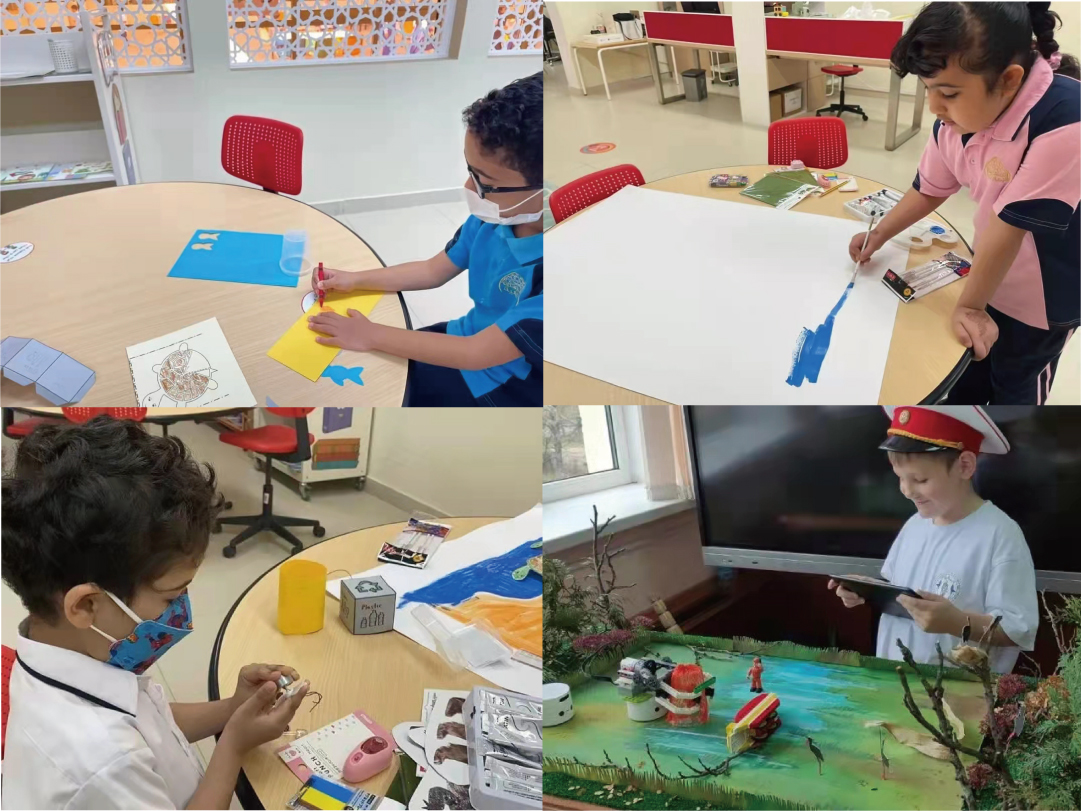
In this competition, which was themed [Join and Protect Our Animals], children from all over the world created various animal protection plans by combining wonderful ideas with the topic Environmental Protection and using their own coding works. That was amazing


Competition Review

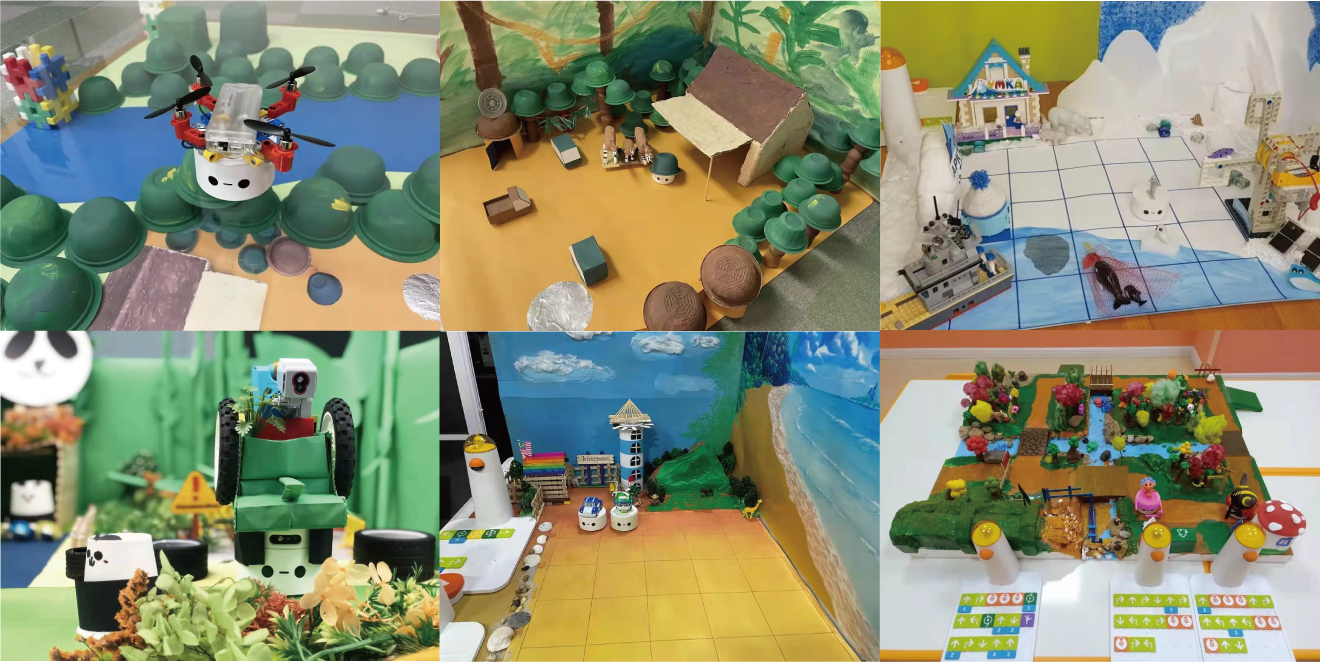
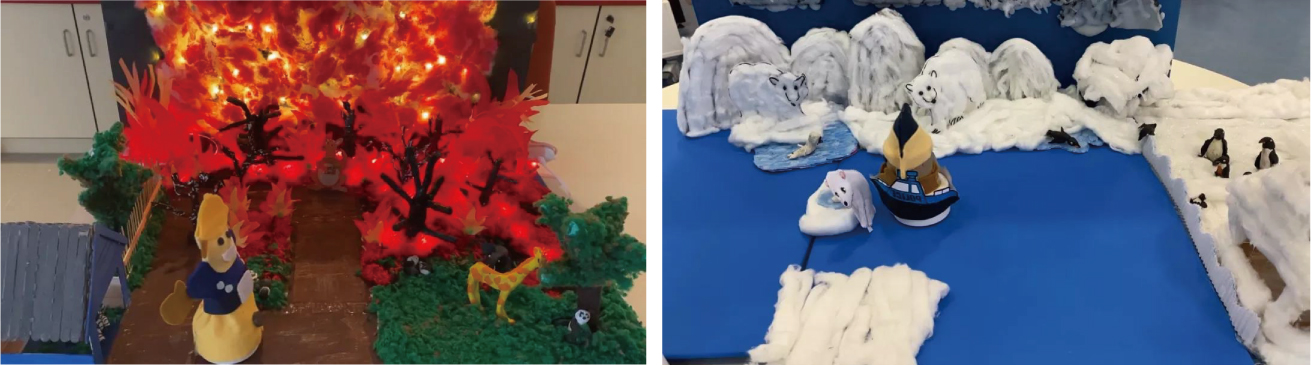
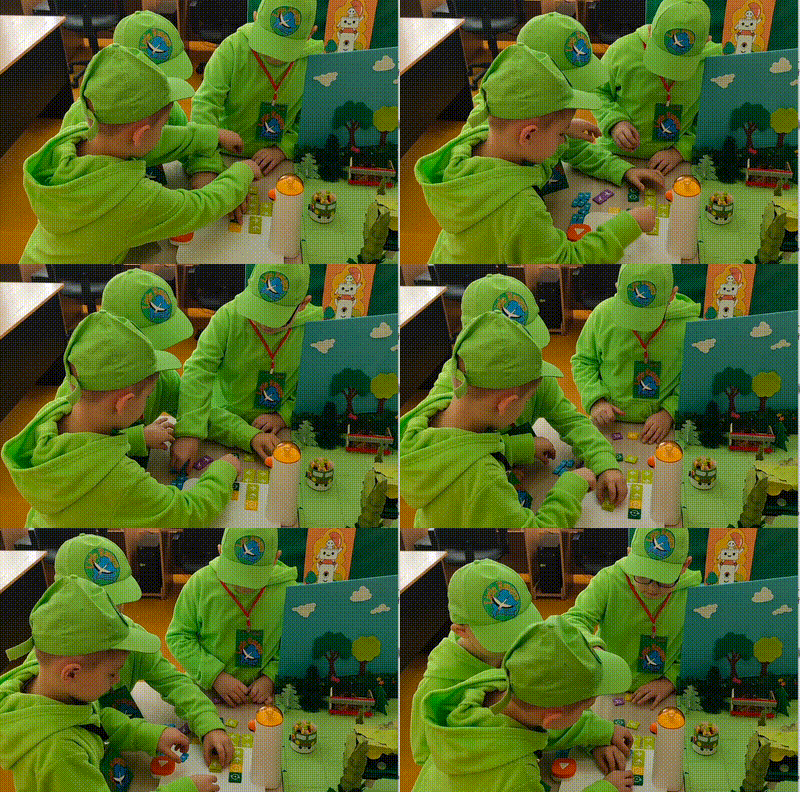
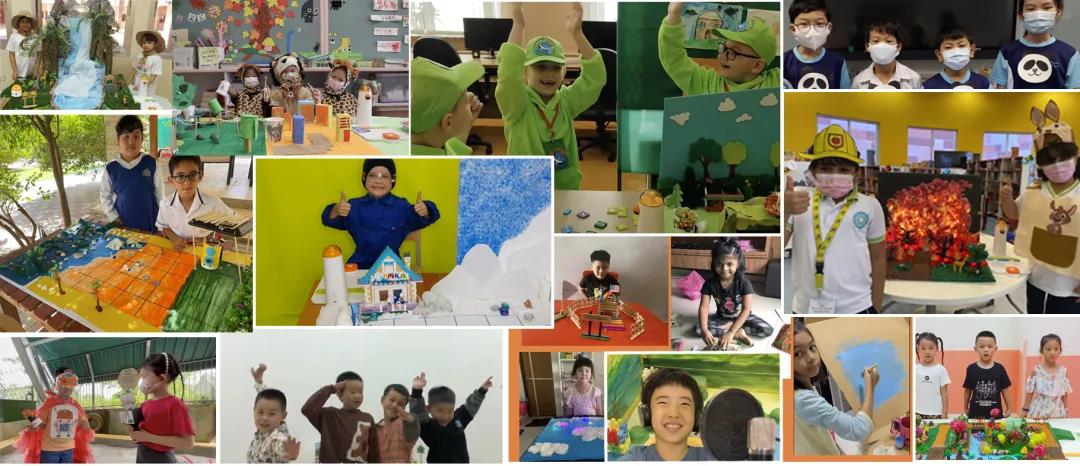
The young contestants were ingenious and their division of work was clear. They used paper, brushes, Lego blocks and other readily available materials to create a conservancy in their own minds.


Little Matatalab guardians can be seen everywhere, whether in the jungle, in the desert or on the glacier. 


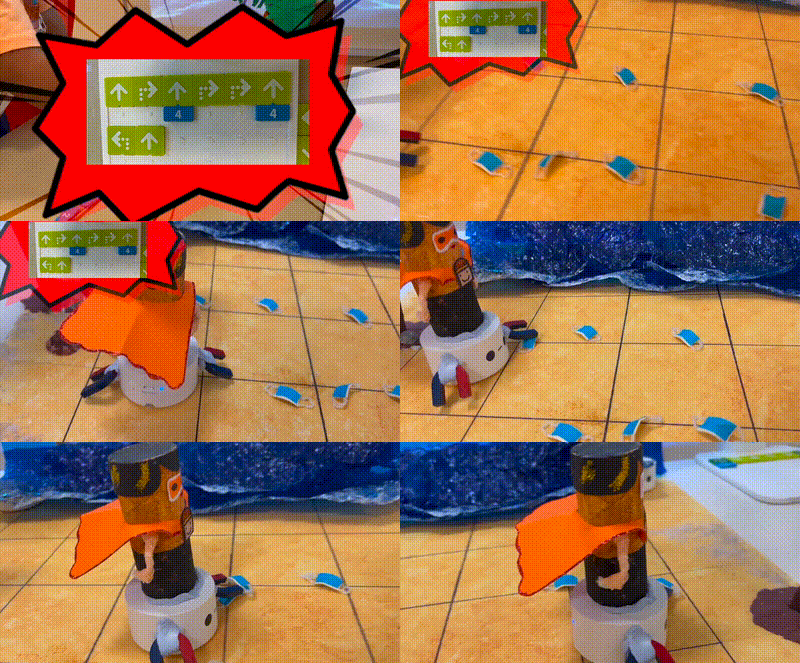
Some were cleaning up garbage over and over on the wavy seashore. 


Some were secretly patrolling in the jungle. 


Some were walking between volcanoes and glaciers.


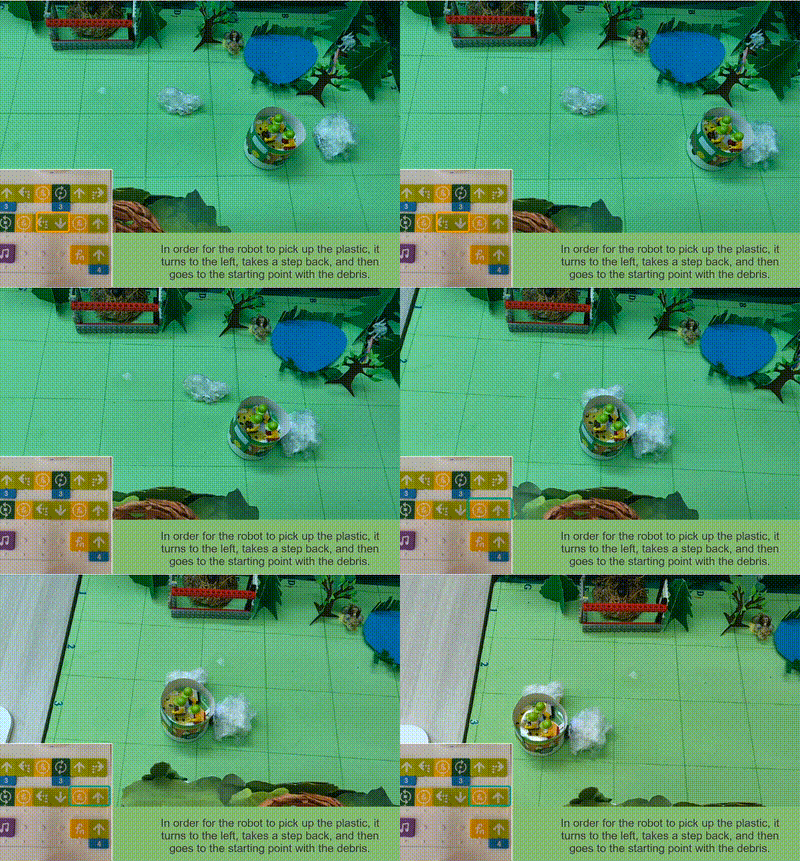
Some were cleaning up plastic garbage in the conservancy.


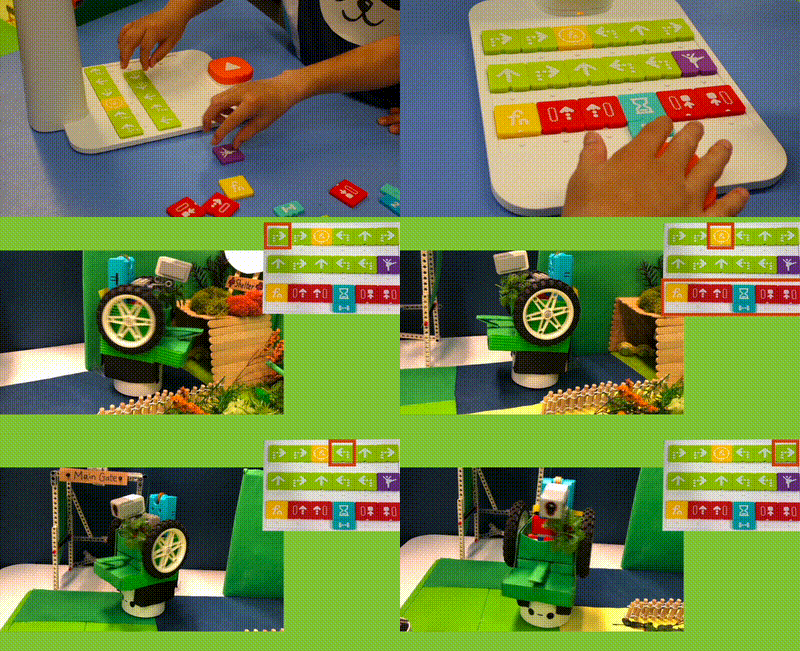
Members of each team participating in the competition worked hard and cooperated quite skillfully. It can be seen at a glance that they have practiced a lot. No wonder the works presented were so amazing.


We are so proud to see the smiling faces of the children from worldwide! 


Winners 

There were so many participating teams, and wonderful works were emerging one after another. Which teams would then finally stand out and win the honors of the year?

Wednesday, November 24, 2021

Create a Robot Library


How to Create a Robot Library
"As soon as you bring a robot into a classroom, kids are already curious and wondering and excited," says Shawn Abele, instructional technology coordinator for Gilbert Public Schools in Arizona. However, Abele and Jon Castelhano, the district's executive director of technology, also know that sometimes robotics in the classroom is used merely as a fun way to pass the time and keep kids entertained rather than an educational tool. So when their district purchased a number of robotics kits in 2020 to loan out to various schools and classrooms in the district, they were determined to avoid using the devices as a gimmick.
Full Story: Tech & Learning (11/24) 

Tuesday, August 24, 2021

School Uses Robot to Paint Lines on Sports Field


 From the Journal & Courier https://www.jconline.com/story/news/2021/08/21/gps-guided-robot-helps-turn-lafayettes-loeb-stadium-into-soccer-pitch/8208720002/ 

 LAFAYETTE, Ind. — Loeb Stadium is much more than just a baseball field with it being used as a commencement ceremony site, a venue for possible future concerts and now, a soccer field…

…The soccer field lines were painted on by field management company GPS Lining. According to GPS' website, "the world’s first and most comprehensive autonomous GPS paint robot" is used for painting the soccer field. "Intelligent One," as the robot is called, uses Global Positioning System (GPS) technology to paint concisely straight lines. "It's a really neat process, they used a robot," Miner said. "They gave it like two GPS points and that robot would get to where the line stopped and it shut off the chalk paint and would turn around and come back."

Friday, August 20, 2021

Saturday, August 14, 2021

Robotics Activities for Young Learners

 From T.H.E. Journal... https://thejournal.com/articles/2021/08/12/4-keys-to-robotics-activities-for-young-learners.aspx

STEM Education

"4 Keys to Robotics Activities for Young Learners

Physical computing with robots for young learners offers an engaging, collaborative, creative and standards-based approach to any makerspace program.

As more students return to classrooms in the fall, they will be looking for the kinds of hands-on activities they couldn’t experience during distance learning. Educators will also be looking for ways to get students problem-solving, collaborating, and sharing ideas in ways that couldn’t happen over Zoom. Making physical computing with robots part of a makerspaces program addresses these issues and re-engages students in learning.

In my work with schools to design makerspaces and STEM programs, I’ve found a few key features that help when introducing robots to young learners. First, the activities should quickly engage students and bring them into the learning process. Second, teachers should consider time and space requirements for robotics activities to get the most out of formal and informal learning opportunities. And lastly, activities should be aligned to grade-level standards as much as possible.

Starting with the Robot
4 Keys to Robotics Activities for Young Learners

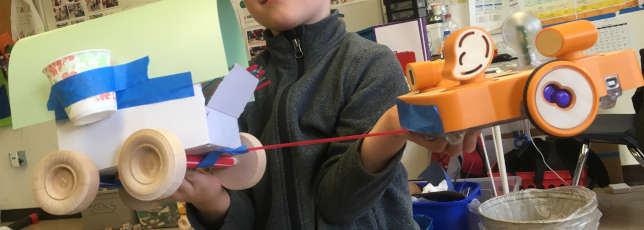
The robots I’ve found most engaging for introducing pre-K–1 students to physical computing are KIBOs from Kinderlab Robotics. Students are drawn to the tactile features — it has a wooden top and thick plastic sides that make it approachable and easy for young students to grip as they develop fine motor skills. It’s also screen-free: Students program their robot with blocks that are also made of wood, similar to building blocks.

Finally, KIBO doesn’t have what I call a pre-made “personality.” Some robots designed for young learners are already an animal or have features that limit creative imagination. It doesn’t have features that make it easy to fit into a gender, which avoids the biases that can push girls out of STEM. Students quickly discover that their robot can be anything they want it to be.

Storytelling Hits All the Key Features

Once students have been introduced to the parts and basic programming features, like getting their robot to move, teachers can increase engagement through storytelling. An introductory activity that I like incorporates the book Move!, by Steve Jenkins and Robin Page.

In the makerspace, teachers read the story, which involves descriptions of different animals and how they move. Students are asked to draw a picture of an animal, either from the story or one they know about, and tape it to the top of their robot. Then, students design a program with motion blocks to have the robot move like their animal. Having students work in pairs can promote productive talk, and teachers will hear students reflecting on parts of the story as they work to sketch and design the movement for their animal. An assessment might involve interviewing students to find out why they made a certain animal, how their computer program works, or how the story influenced their project.

I like this activity for other reasons, too. Depending on school bell schedules, reading and drawing can be done one day and programming the next. Drawings can be easily stored, which helps with managing the activity. Students can work in defined areas of the makerspace that don’t require a lot of room. The activity relies on simple materials: paper, crayons, and tape. There’s potential to align it with content standards, such as reading, talking, and writing. And there’s a high ceiling for creative thinking. I once observed two kindergarten girls imagine KIBO as a polar bear. They built an ice wall with the wooden programming blocks and screamed with delight when they got their program working and the bear smashed through the ice wall!

Self-Directed Learning Through Bowling..."


Saturday, July 24, 2021

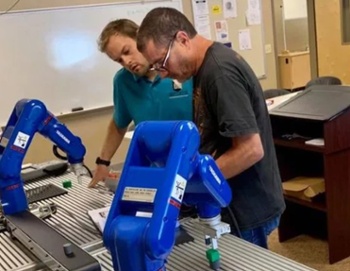
Student Robotics Training Builds Manufacturing Skills

 FROM Tech & Learning

How to Use Robotics Training to Build Manufacturing Skills
(Intelitek)
Industry 4.0 is embracing robotics. However, manufacturers cannot find enough trained robotics technicians to hire to work in their plants. There are just not enough available graduates, which is why federal funding for career technical education (CTE) is part of the three COVID-relief stimulus bills. School leaders at Northeast Mississippi Community College are very aware of the manufacturer needs in their local area. "When we developed our program, we spoke with manufacturers in five surrounding counties to find out what they needed," says Kyle Carpenter, workforce trainer/workforce E-learning administrator.
Full Story: Tech & Learning