![]() |
|
(Pixabay)
|
SEE source: https://www.islandpacket.com/news/local/education/article262901353.html
Content for teachers and students about robotics in our world. Is robotics the Perfect Platform for 21st Century Learning? Read on!.. Would you like your student robotics activities presented here? Leave a comment or Facebook Messenger me...
![]() |
|
(Pixabay)
|
SEE source: https://www.islandpacket.com/news/local/education/article262901353.html
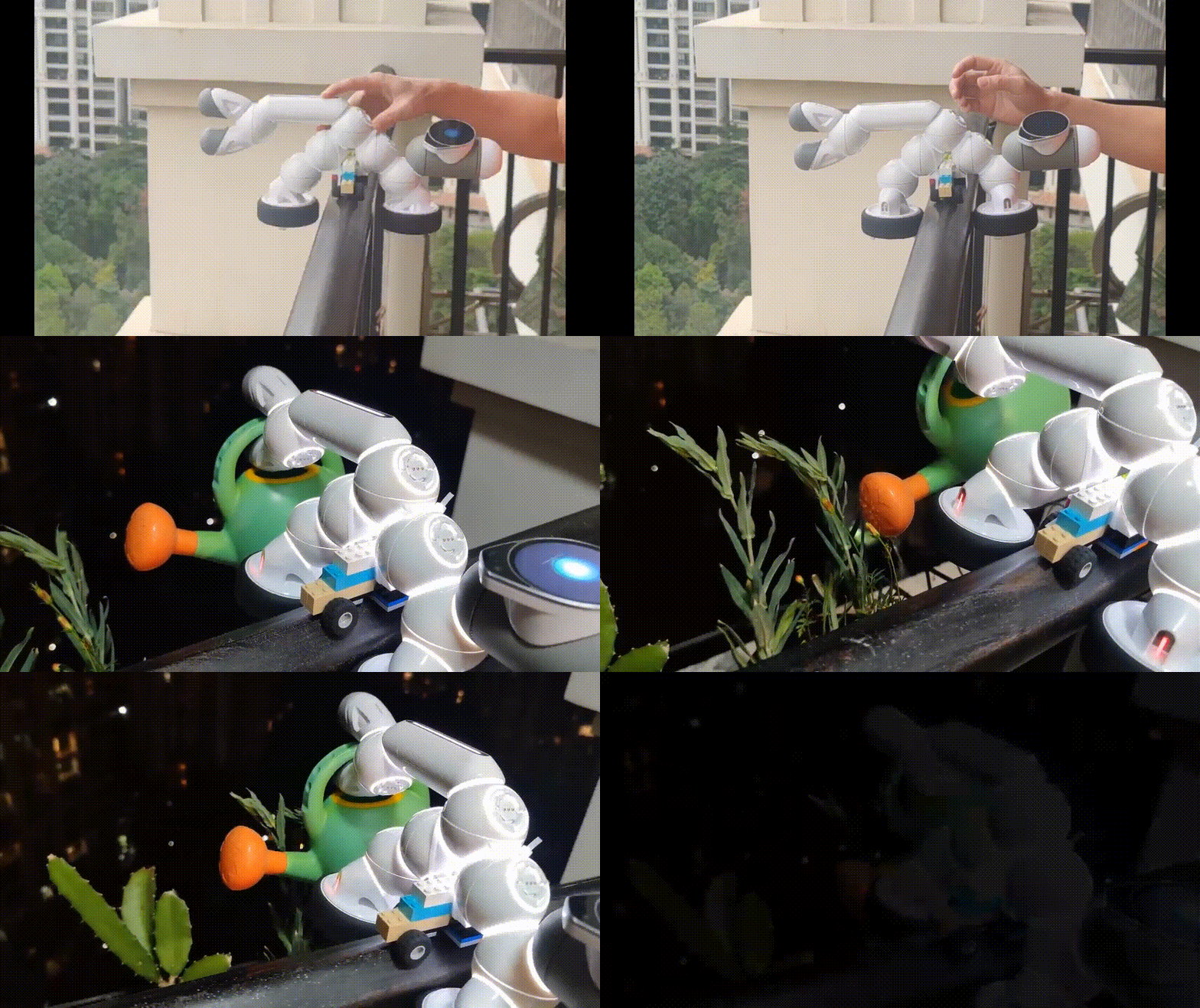
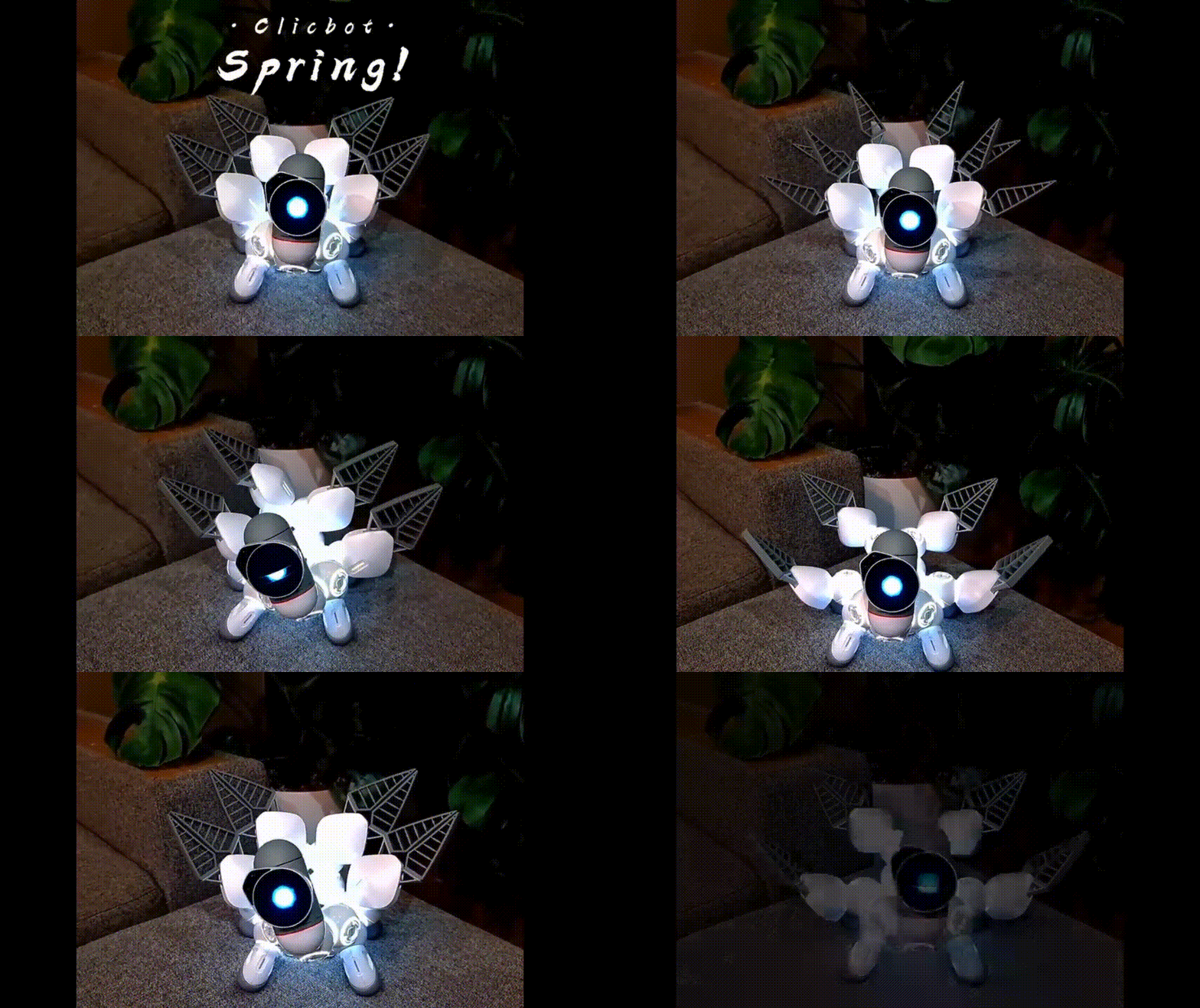
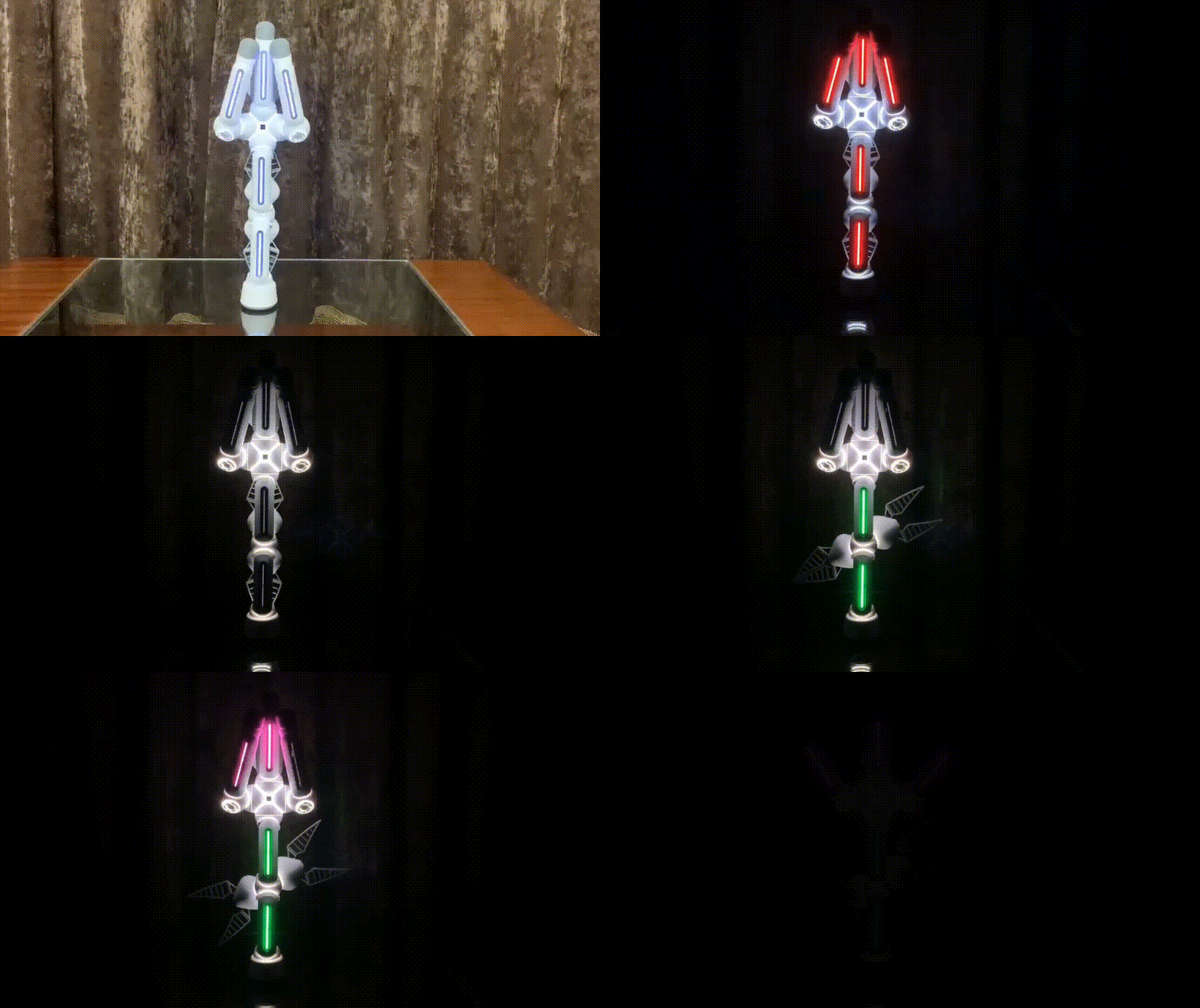
From: The Clicbot Team
To: markgura@_____
Sent: Mon, Apr 11, 2022 11:00 am
Subject: How can you miss this wonderful time🌺?
|
||||||||||||||||||||||||||||||
|
||||||||||||||||||||||||||||||
|
||||||||||||||||||||||||||||||
|
|
||||||||||||||||||||||||||||||
|
From my email IN BOX today
See full article at its source: https://www.smartbrief.com/original/2021/12/integrating-culture-and-history-robots

"My school, the New England Jewish Academy, is a dual-curriculum school. I teach general studies to students in 1st and 2nd grade for half of the school day, and my students spend the other half of their days with a Hebrew teacher and a Judaics teacher. That means I get about half the time to teach the same content that teachers who work with students all day get.
One of the ways I make the most of my instructional time is by integrating different content areas into the same lessons, sometimes in surprising ways. This year, for example, I have been working with my students’ Judaics teacher, Shifra Silver, to combine STEM learning with lessons about Jewish holidays.
This year our principal, Rabbi Zev Silver, introduced me to a screen-free educational robot called KIBO. As we looked through resources and lessons for using it, we came across the Limudei Code-Esh (LCE) project from a partnership with Tufts University and the David Lear Sulman Fund. LCE is a STEAM program that integrates coding and computational thinking through six Jewish holidays: Sukkot, Chanukkah, Tu B'shevat, Purim, Pesach, and Yom Ha’atzmaut. It was created as a collaboration between Tufts Professor Marina Bers, the co-creator of KIBO, and Jewish educators from orthodox, conservative, and reform day schools and supplemental schools,
We began with the unit for Sukkot, which includes a ritual where participants gather a palm frond, a myrtle leaf, and a willow branch. They bind them together to form a bundle called a lulav, and then shake them together with a citron in each of the cardinal directions, as well as up toward the sky and down toward the ground, all the while walking around a table reciting a prayer. The ritual is a reminder of the time that the Jewish people spent wandering in the desert, and a celebration of how they found what they needed to survive and thanked God for it.
Since we were more interested in ensuring the students understood the ritual than gathering materials, my students’ Judaics teacher Shifra Silver put together lulavs for the students with green toothpicks, little frilly pieces that looked a bit like leaves, and yellow push pins for the citron that would hold the whole thing together. We started by having students program their robots to perform the shaking part of the ritual, but expanded the focus on having them teach their robots to “walk” around a small table called a bimah that we set up on the floor.
We provided craft materials to the students, as well as art platforms for them to attach to the KIBO kit to carry the lulav on..
...Helen Schwartz teaches 1st and 2nd grade at the New England Jewish Academy, where she recently used KIBO to help her students celebrate Hannukah. She can be reached at hschwartz@neja.org."
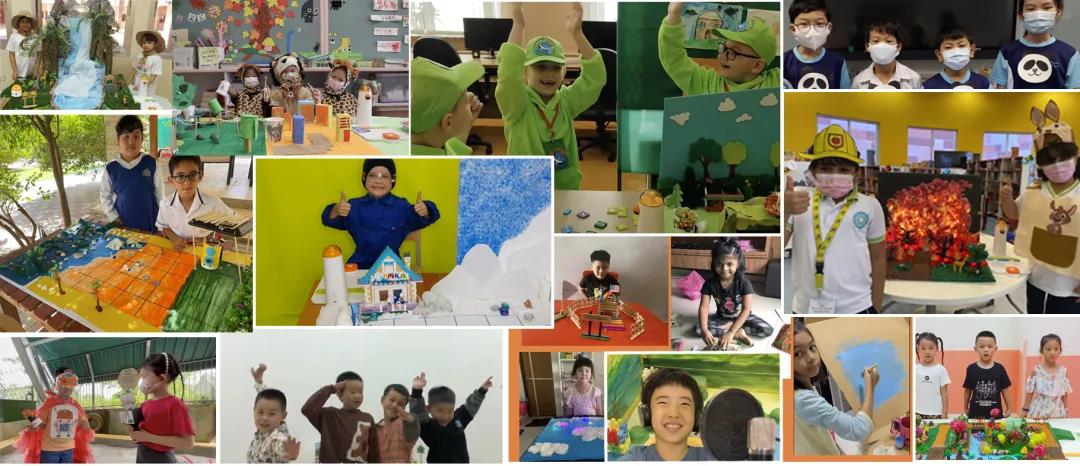
After three months of trials and competitions, the 2021 MWRC Global Online Finals was successfully concluded. More than 200 teams from around the world engaged in the competition, including Mainland China, Singapore, Japan, Russia, Ukraine, the United States, Canada, Finland, Hong Kong (China), UAE and Australia, etc.
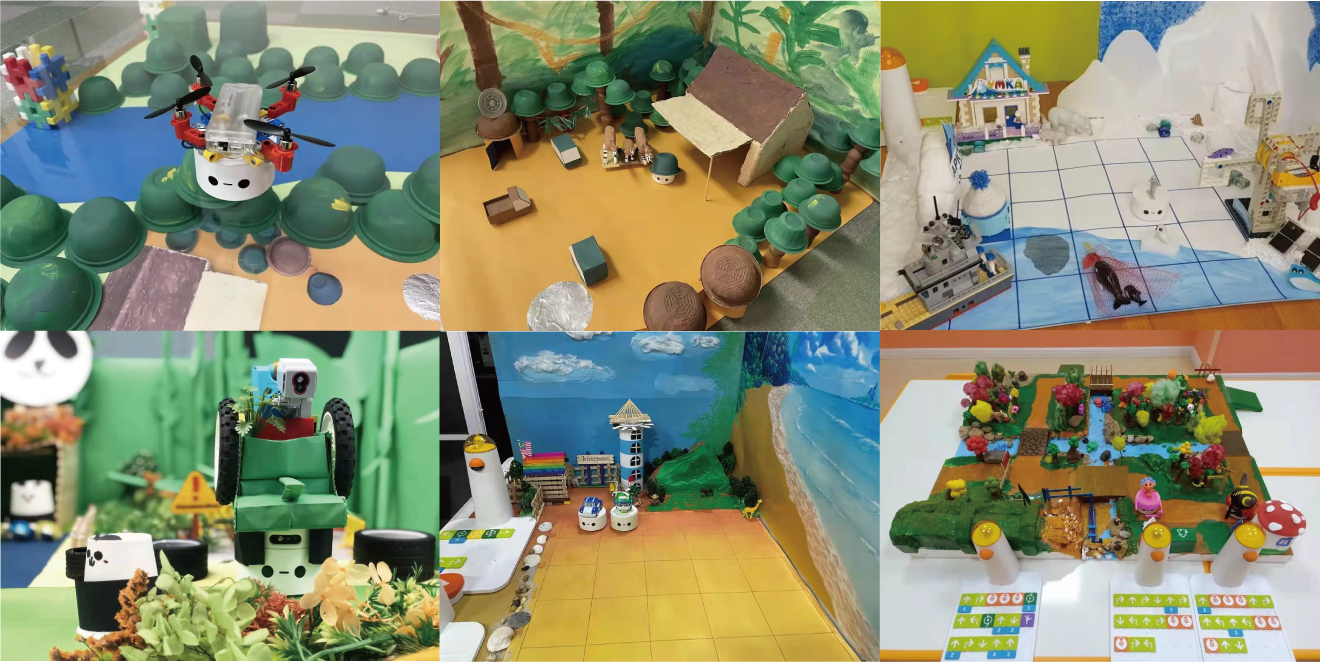
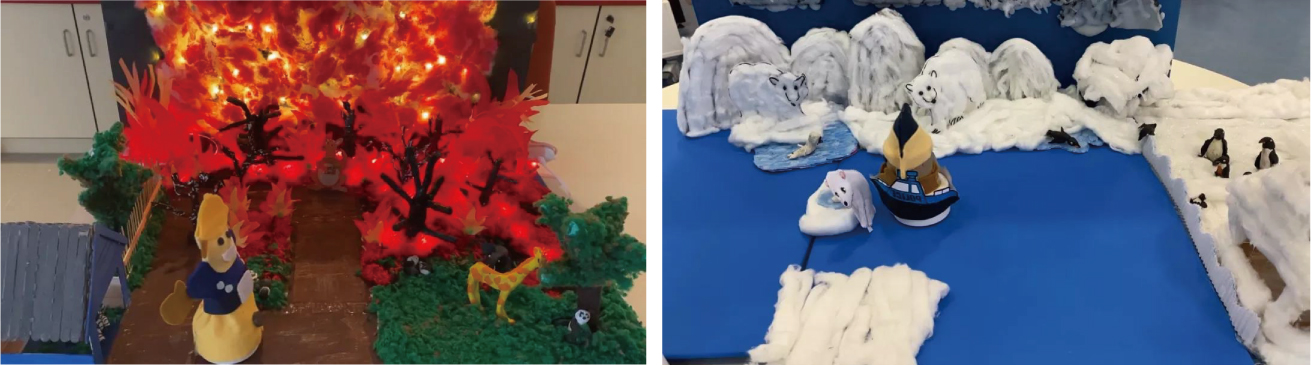
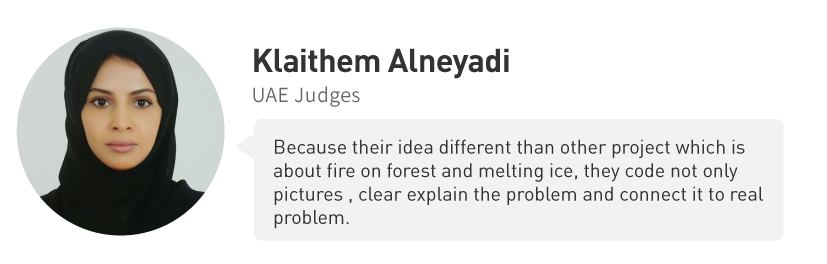
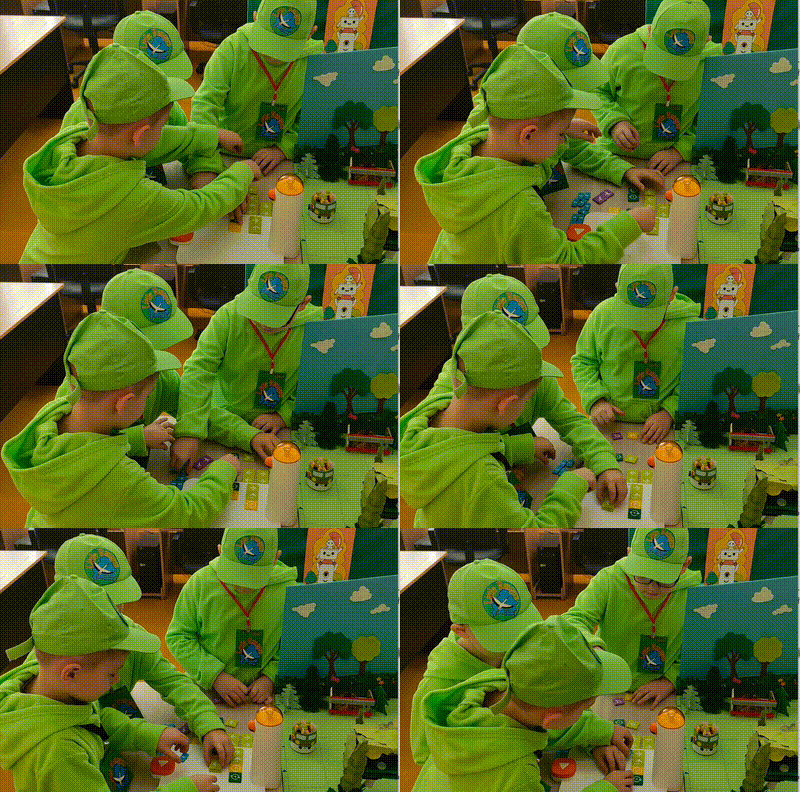
In this competition, which was themed [Join and Protect Our Animals], children from all over the world created various animal protection plans by combining wonderful ideas with the topic Environmental Protection and using their own coding works. That was amazing
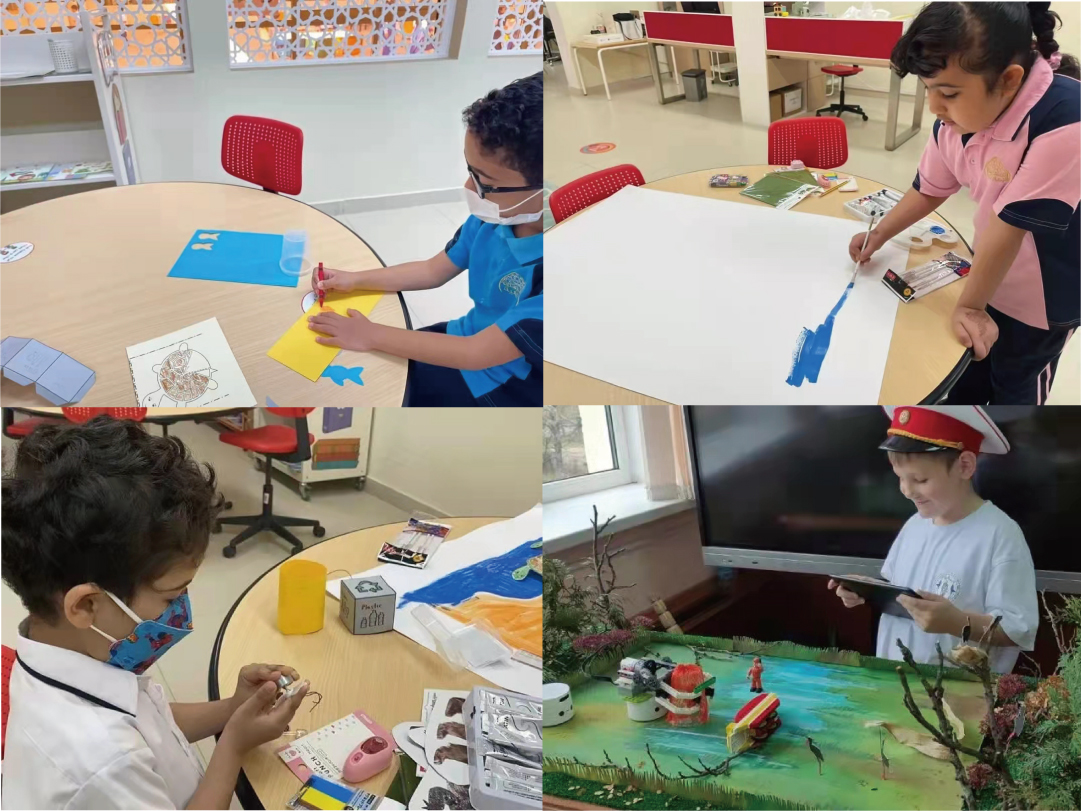
The young contestants were ingenious and their division of work was clear. They used paper, brushes, Lego blocks and other readily available materials to create a conservancy in their own minds.

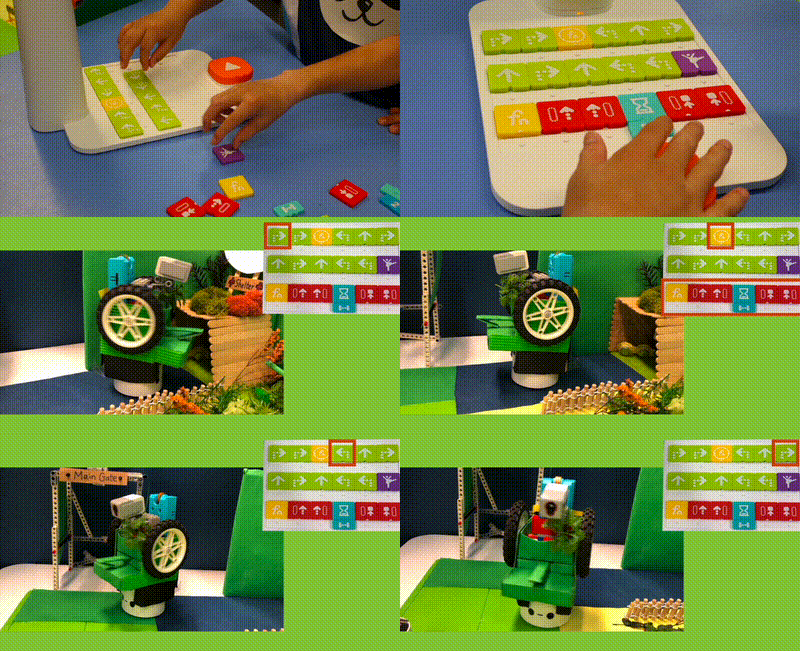
Little Matatalab guardians can be seen everywhere, whether in the jungle, in the desert or on the glacier.

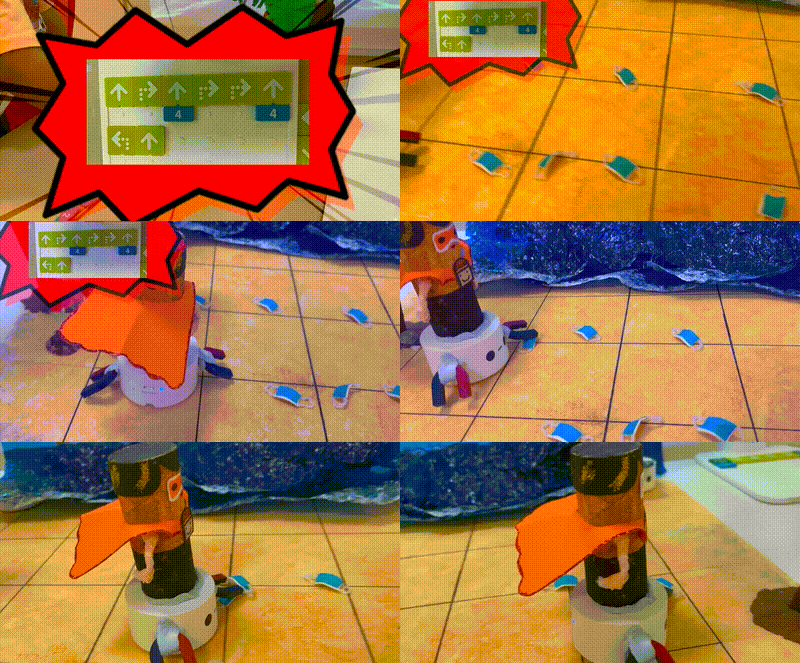
Some were cleaning up garbage over and over on the wavy seashore.


Some were secretly patrolling in the jungle.


Some were walking between volcanoes and glaciers.


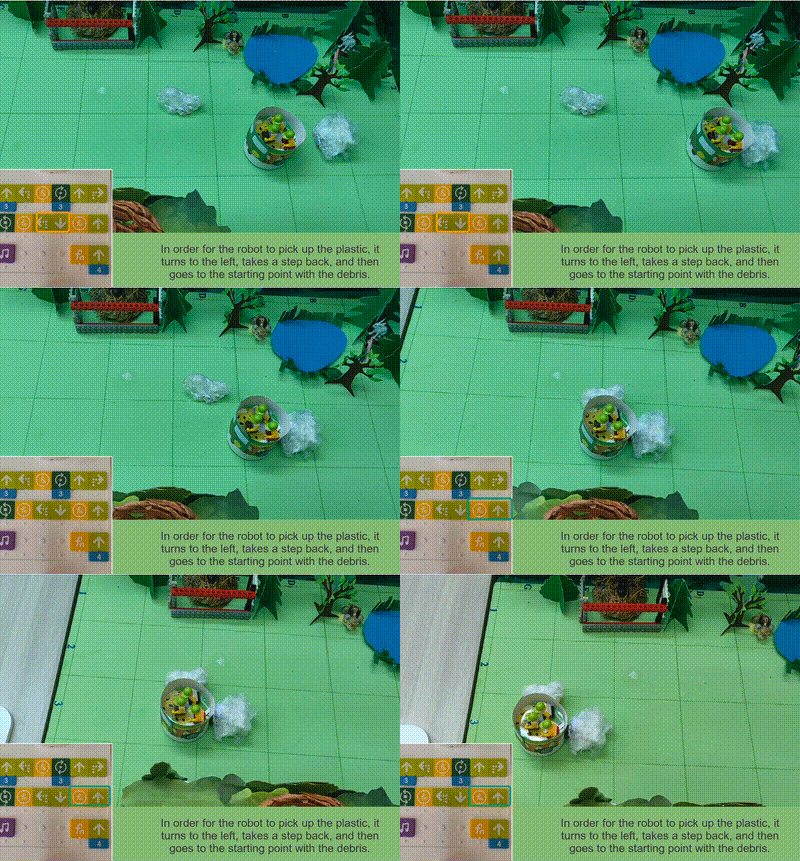
Some were cleaning up plastic garbage in the conservancy.


Members of each team participating in the competition worked hard and cooperated quite skillfully. It can be seen at a glance that they have practiced a lot. No wonder the works presented were so amazing.

We are so proud to see the smiling faces of the children from worldwide!

There were so many participating teams, and wonderful works were emerging one after another. Which teams would then finally stand out and win the honors of the year?
![]() |
From the Journal & Courier https://www.jconline.com/story/news/2021/08/21/gps-guided-robot-helps-turn-lafayettes-loeb-stadium-into-soccer-pitch/8208720002/
LAFAYETTE, Ind. — Loeb Stadium is much more than just a baseball field with it being used as a commencement ceremony site, a venue for possible future concerts and now, a soccer field…
…The soccer field lines were painted on by field management company GPS Lining. According to GPS' website, "the world’s first and most comprehensive autonomous GPS paint robot" is used for painting the soccer field. "Intelligent One," as the robot is called, uses Global Positioning System (GPS) technology to paint concisely straight lines. "It's a really neat process, they used a robot," Miner said. "They gave it like two GPS points and that robot would get to where the line stopped and it shut off the chalk paint and would turn around and come back."
From T.H.E. Journal... https://thejournal.com/articles/2021/08/12/4-keys-to-robotics-activities-for-young-learners.aspx
STEM Education
Physical computing with robots for young learners offers an engaging, collaborative, creative and standards-based approach to any makerspace program.
As more students return to classrooms in the fall, they will be looking for the kinds of hands-on activities they couldn’t experience during distance learning. Educators will also be looking for ways to get students problem-solving, collaborating, and sharing ideas in ways that couldn’t happen over Zoom. Making physical computing with robots part of a makerspaces program addresses these issues and re-engages students in learning.
In my work with schools to design makerspaces and STEM programs, I’ve found a few key features that help when introducing robots to young learners. First, the activities should quickly engage students and bring them into the learning process. Second, teachers should consider time and space requirements for robotics activities to get the most out of formal and informal learning opportunities. And lastly, activities should be aligned to grade-level standards as much as possible.

The robots I’ve found most engaging for introducing pre-K–1 students to physical computing are KIBOs from Kinderlab Robotics. Students are drawn to the tactile features — it has a wooden top and thick plastic sides that make it approachable and easy for young students to grip as they develop fine motor skills. It’s also screen-free: Students program their robot with blocks that are also made of wood, similar to building blocks.
Finally, KIBO doesn’t have what I call a pre-made “personality.” Some robots designed for young learners are already an animal or have features that limit creative imagination. It doesn’t have features that make it easy to fit into a gender, which avoids the biases that can push girls out of STEM. Students quickly discover that their robot can be anything they want it to be.
Once students have been introduced to the parts and basic programming features, like getting their robot to move, teachers can increase engagement through storytelling. An introductory activity that I like incorporates the book Move!, by Steve Jenkins and Robin Page.
In the makerspace, teachers read the story, which involves descriptions of different animals and how they move. Students are asked to draw a picture of an animal, either from the story or one they know about, and tape it to the top of their robot. Then, students design a program with motion blocks to have the robot move like their animal. Having students work in pairs can promote productive talk, and teachers will hear students reflecting on parts of the story as they work to sketch and design the movement for their animal. An assessment might involve interviewing students to find out why they made a certain animal, how their computer program works, or how the story influenced their project.
I like this activity for other reasons, too. Depending on school bell schedules, reading and drawing can be done one day and programming the next. Drawings can be easily stored, which helps with managing the activity. Students can work in defined areas of the makerspace that don’t require a lot of room. The activity relies on simple materials: paper, crayons, and tape. There’s potential to align it with content standards, such as reading, talking, and writing. And there’s a high ceiling for creative thinking. I once observed two kindergarten girls imagine KIBO as a polar bear. They built an ice wall with the wooden programming blocks and screamed with delight when they got their program working and the bear smashed through the ice wall!
FROM Tech & Learning
![]() |
|
(Intelitek)
|
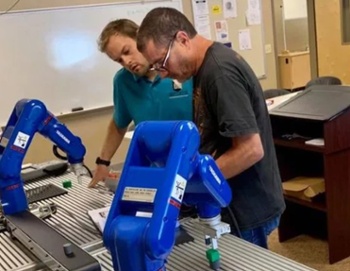
From my in box...I've long been a fan of sensible learning challenge-type events as learning contexts associated with Student Robotics.
|
Why all schools should integrate a virtual coding and robotics platform into their learning environments.
GUEST COLUMN | by Paul Keeney
Internationally, robotics and coding are becoming required curriculums for middle and high school students, yet the U.S. remains behind schedule in this area. Where many other countries are infusing coding, robotics, and computational thinking into their curriculums, a lot of schools here are stuck in somewhat of a technology inertia as they look for ways to catch up.
‘Middle school students like action, and they like things to have a purpose.’
Here are six key reasons why I see virtual coding and robotics programs becoming a mainstay in our nation’s schools:
1. Virtual robots are just as “real” as their physical counterparts. One day I opened up the cabinet full of robots and told my class, “There’s $8,000 worth of robots in here, but we can’t use them because the school district is not letting us share equipment this year.” I then asked my hybrid schedule students to look at the robot on their computer screens, and they noticed right away that it was the same robot design.
So, where our revamped robotics course may be fully online, it’s based on real-world applications that students can relate to and engage with in a blended learning model. Also, because I understand the LEGO EV3 programming (that’s what I normally teach in my class), the transition to using the CoderZ STEM curriculum was very easy.
2. Virtual robotics helps students develop new skills. Physical robots often lead kids to focus more on design and less of the coding, science, and math skills that drive the virtual robots.
3. They support equity in education. Virtual robotics promote equity because every student in a district can get access to the platform—not just those that attend a school with a robotics platform, or that can afford an after-school club or elective.
4. Kids can work at their own pace. Our Computer Science/STEM curriculum provides the perfect solution for a self-paced, flipped, or blended classroom where kids can use the same skills that they would even if they were using real robots. Only now there’s no hardware to worry about; it’s all online. Knowing this, I’ve also suggested our STEM platform to other teachers who teach technology education at other schools in our district.
‘This is helpful as I pivot between in-class, distance, and hybrid learning…’
5. Students love it. Our robotics platform is engaging for students and includes a lot of different gamification qualities. Middle school students like action, and they like things to have a purpose. Because the STEM platform is basically an obstacle course-based set of challenges, most of them jump onto that and want to do well and get it right.
And when they don’t get it right, those students are anxious to keep improving until they do, versus seeing the coding work as an assignment or a chore. The curriculum is instructional, but not so much so that students get bored with it.
6. Teachers can easily track student progress and understanding. I use the built-in scoring within the platform to track student progress, and track the red, yellow, and green lights for every activity. I assign points based on the completed activities and level of comprehension. This is helpful as I pivot between in-class, distance, and hybrid learning, as I end up spending entirely too much time writing new activities and adjusting my current lesson plans.
This, in turn, impacts how I manage my grading system. With our STEM program, I can quickly review all of the progress made on mini-lessons, and detect potential problems (i.e., not many “dots” filled in means not a lot of work was completed).
If your school is trying to come up with something that you can teach in any learning model – distance learning or in-person or a mix of both, this coding and robotics platform is a no-brainer because it’s structured well, engages students at a high level, and is teacher-friendly. In fact, even a teacher without a strong background in robotics or coding can pick the curriculum up and start using it on day one. In return, students learn the future-ready career skills that employers are looking for via a fun software package that’s easy to manage and teach.
—
Paul Keeney is technology education and engineering instructor at Oak View Middle School in Andover, Minn. Connect with him here: school website.

(from https://ktla.com/morning-news/technology/clockwork-manicure-robot-san-francisco/ )
A robot is now doing manicures in San Francisco!
A company named Clockwork says it has the world’s first nail painting robot, which paints nails in just 10 minutes.
The price? Just $8.
Right now, the robot doesn’t cut or shape nails, but the website hints those features could be coming soon.
TikTok user Elissa Maercklein posted a video of the robot with the caption “living in the future.”
The company behind the bot says they design robots that “liberate people from everyday mundane tasks.”